

A quality director at a mid-size nutraceutical manufacturer got a call last spring that no one wants to take: an FDA investigator, working through a customer complaint, asked for the full batch genealogy on three months of production runs. The paperwork technically existed, but tracing which raw material lots had actually gone into which finished-goods batches meant cross-referencing warehouse pick lists against production order consumption records by hand, because nothing in the ERP had stopped a warehouse worker from grabbing a partial pallet from one lot and topping it off from another when the first one ran short. That gap, mixed-batch consumption slipping past the system simply because nothing technically prevented it, is exactly what Microsoft’s new same-batch enforcement capability in Dynamics 365 Supply Chain Management was built to close. It reached general availability on September 11, 2026, as part of the 10.0.49 release, and for manufacturers operating under FDA, cGMP, or ISO quality regimes, it deserves more than a passing glance. What it actually enforces, what it still leaves to manual process, and what needs to happen internally before a CFO or quality VP approves flipping the switch are three separate questions, and they don’t all have the same answer.
How Same-Batch Enforcement Actually Works
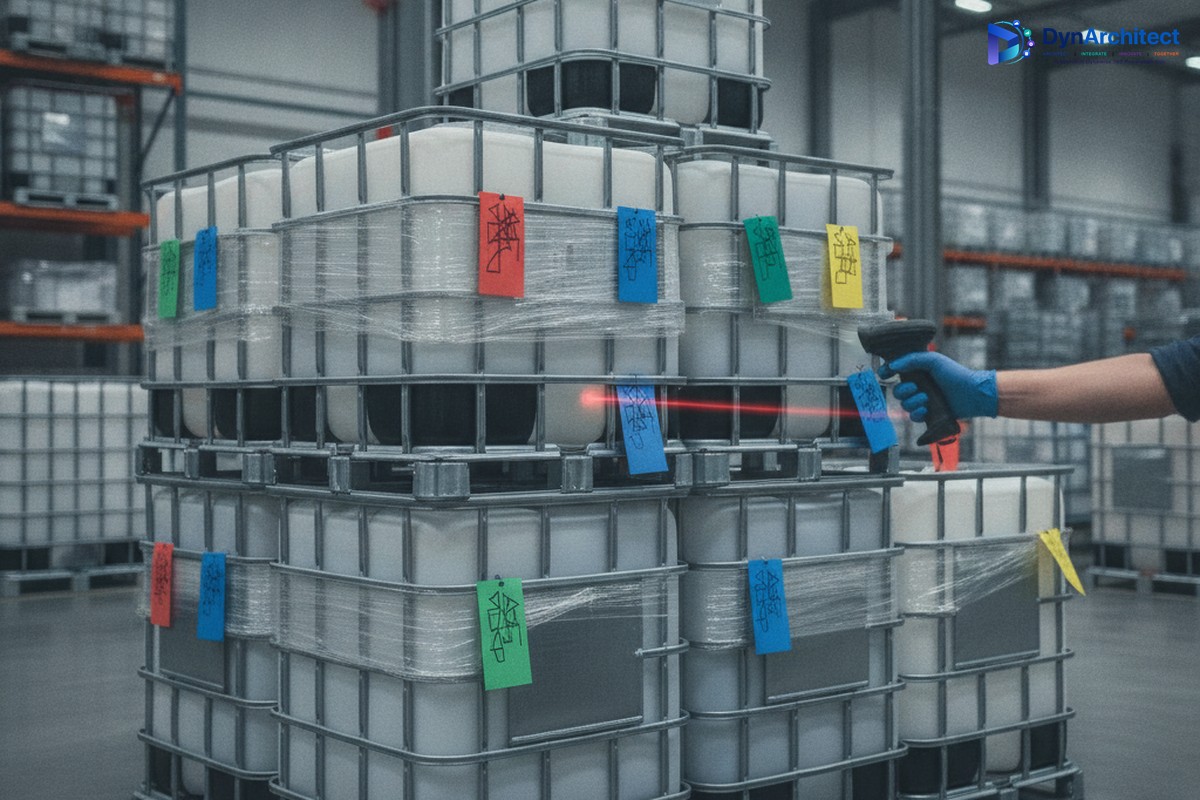
The mechanics are narrower, and more deliberate, than the feature name suggests. Product designers and production engineers set a same-batch requirement at the released-product level, which becomes the default wherever that item shows up in a bill of materials or formula. From there, individual BOM or formula lines can override that default where a different rule genuinely applies, since not every raw material in a recipe needs the same level of control. Once that configuration is in place, the enforcement itself happens at the point production planners and warehouse staff reserve raw materials for a production order or batch order: the system restricts the available on-hand inventory to a single batch per line, rather than letting someone pull partial quantities from two or three lots to fill one requirement. Both discrete manufacturing (production orders) and process manufacturing (batch orders) are covered, which matters because a lot of regulated manufacturers run a mix of both on the same instance.
It’s worth noting the feature spent two months in public preview, from July 2026, before reaching GA in September. And “generally available” here means available through feature management, not switched on for every customer automatically. An admin, maker, or analyst still has to decide to turn it on and configure which products it applies to, which is a meaningfully different rollout posture than a change that just appears in everyone’s environment overnight.
Why This Lands Squarely on Regulated Manufacturers’ Radar
This isn’t an isolated feature. It arrived in the same 10.0.49 release where Advanced Quality Management, the suite Microsoft has been building out since version 10.0.44, became mandatory, permanent functionality rather than an optional module manufacturers could choose to skip. Advanced Quality Management is aimed squarely at pharmaceutical, food and beverage, and chemical producers operating under FDA Quality System Regulation, 21 CFR Part 11 electronic-signature requirements, current Good Manufacturing Practice, and ISO frameworks. It brings electronic batch records, corrective and preventive action tracking with e-signature closure, approved customer lists for controlling who can receive specific lots, and flexible sampling plans for quality inspection, all things an FDA or ISO auditor will ask to see evidence of during an inspection.
Same-batch enforcement fits into that picture as the piece that governs actual physical consumption rather than paperwork. An electronic batch record can faithfully document what a work order was supposed to consume, but until now, nothing stopped the gap between the documented plan and what a warehouse worker actually picked when inventory ran short mid-shift. For a CFO or operations leader, the value isn’t abstract: fewer hours spent reconstructing batch genealogy by hand during an audit or a recall investigation, and a materially lower chance that an inspector finds a discrepancy between what the system says was consumed and what physically was. Recall investigations in particular tend to be measured in days of staff time when traceability records are clean, and considerably longer when they aren’t.
What the Toggle Doesn’t Cover Yet
Here’s where the caution belongs. Microsoft’s own release documentation lists two related capabilities explicitly as future work, not part of this release: same-batch enforcement during master planning allocation, and execution validation during picking and consumption. In plain terms, that means the planning engine can still generate a supply plan today that would require splitting a raw material requirement across multiple batches, since the rule governs reservation and picking behavior rather than the planning proposal itself. It also means there’s no described hard validation step at the moment of physical pick or consumption confirmation that would catch a batch mismatch if one somehow occurred despite the reservation restriction.
None of that makes the feature not worth adopting. It does mean it should be positioned internally as one control layer added to an existing set of controls, not a replacement for the standard operating procedures, warehouse management system discipline, and internal audit sampling a regulated manufacturer already relies on. A quality team that tells its auditors “the system enforces single-batch consumption” without the caveat about planning and execution-time gaps is setting up a conversation nobody wants to have during the next inspection. The honest version of that sentence is that the system now prevents a specific, common failure mode at the reservation step, and the rest of the control environment still has to do its job.
What to Check Before Turning It On
A few decisions are worth working through with production and quality leadership before enabling this in a live environment, rather than leaving it as a configuration exercise for IT alone. First, the product-level default needs input from people who actually understand which raw materials carry regulatory or process risk if mixed, versus commodity inputs where enforcing single-batch picking would just add friction on the floor without a corresponding quality benefit; applying the rule everywhere by default tends to generate exactly that kind of resistance. Second, sandbox testing should specifically include the awkward cases: what happens during reservation when a single batch doesn’t have enough on-hand quantity to cover the full requirement, since Microsoft’s documentation doesn’t spell out whether that blocks the transaction outright or offers a supervised override, and that behavior will shape how disruptive the rollout feels to planners in the first few weeks.
Third, this is a change warehouse and production staff will notice immediately, since it directly limits what they can select during reservation, so it belongs on a floor communication plan before go-live rather than showing up as a surprise restriction mid-shift. Finally, quality SOPs and internal audit checklists should be updated to describe precisely where system enforcement starts and stops, so nobody overstates the control’s scope to an external auditor months from now and has to walk it back.
Same-batch enforcement is a genuinely useful, narrowly scoped addition that closes a real and specific traceability gap, arriving at a moment when Microsoft has made the broader quality management suite around it mandatory rather than optional. Its actual value to a regulated manufacturer, though, depends less on the toggle itself and more on how deliberately it gets rolled into an existing quality program. In our own implementation work with manufacturers running Dynamics 365 under FDA and ISO oversight, the configuration decisions are rarely the hard part; getting the product-level rules, the floor process changes, and the audit documentation aligned before go-live consistently is. A control that isn’t paired with the right procedure change on the ground doesn’t close the gap it was built for, it just moves where the gap sits.
#DynamicsSCM #BatchTraceability #QualityCompliance #ManufacturingCompliance #RegulatedManufacturing #SupplyChainGovernance
No comment yet, add your voice below!