

An IT director running Dynamics 365 Supply Chain Management for a mid-size manufacturer recently got a message she wasn’t expecting: the IoT feature her maintenance team had been quietly piloting inside Asset Management was being replaced. Not patched, not extended. Replaced, with a new name, a new architecture, and a new owner for the Azure infrastructure underneath it. Microsoft’s own documentation is blunt about it: “Do not start any new projects based on the existing IoT Intelligence feature.” The successor, Sensor Data Intelligence, is where new work is supposed to go instead.
This isn’t a minor renaming exercise. It’s a genuine shift in who is responsible for the cloud plumbing behind predictive maintenance in Dynamics 365, and it lands squarely on any organization that has connected sensors, meters, or PLCs to Asset Management, or has been planning to. For CIOs and IT directors weighing whether to invest in condition-based maintenance on the Dynamics 365 platform, the mechanics of this transition matter more than the rebrand suggests.
What Actually Changed
IoT Intelligence was the original bridge between physical assets and Asset Management inside Dynamics 365 Supply Chain Management. Sensor readings, whether from a vibration monitor on a pump or a temperature probe on a cold-storage unit, flowed into Azure IoT Hub and then into Supply Chain Management, where they could trigger alerts, feed maintenance plans, or update asset condition records. Critically, Microsoft managed much of that Azure infrastructure on the customer’s behalf. It worked, but it was rigid: limited room to customize the data pipeline, and friction when a customer wanted to bring in sensor data from a system that wasn’t a clean fit for the prebuilt model.
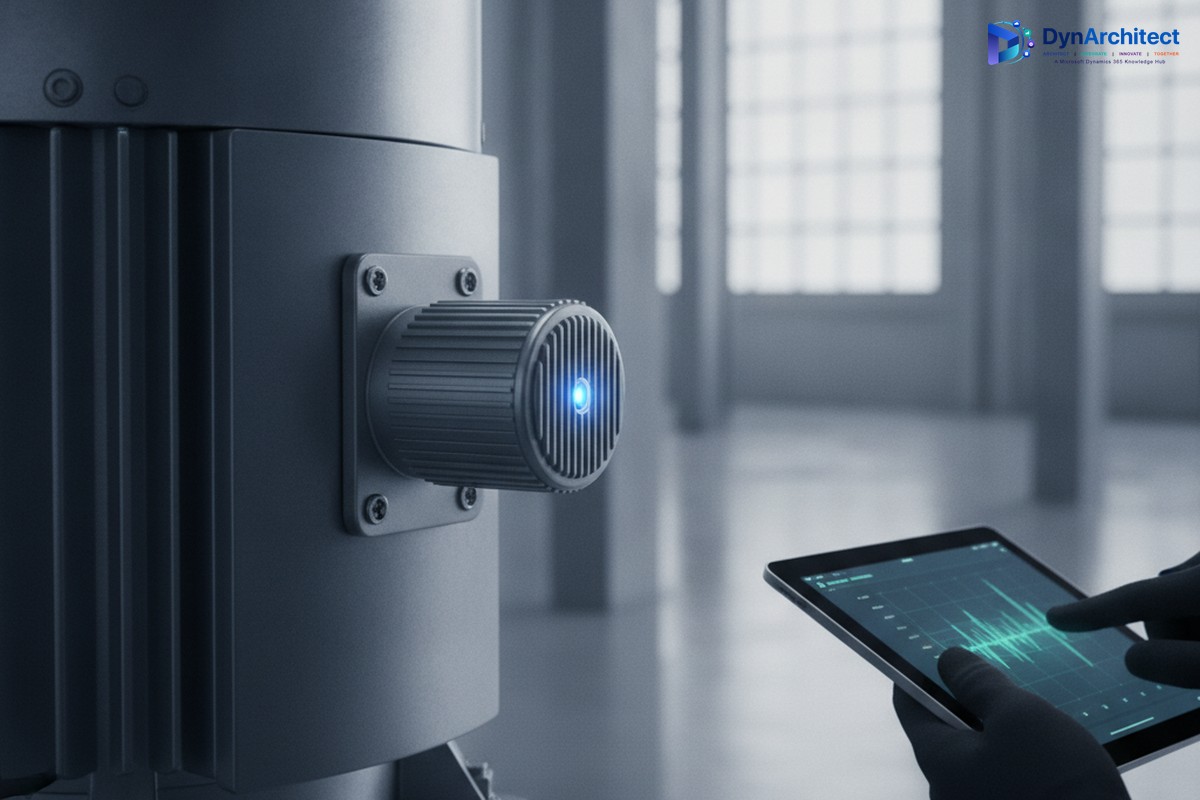
Sensor Data Intelligence, now in preview and documented as an updated, renamed version of IoT Intelligence, rebuilds that pipeline with a different deployment philosophy. Instead of Microsoft hosting and managing the Azure components, the organization deploys them into its own Azure subscription. Setup runs through an onboarding wizard rather than the manual configuration in Lifecycle Services that IoT Intelligence required. On paper, that is a usability improvement. In practice, it also means the Azure resources involved, connecting sensors through Azure IoT Hub and the broader industrial IoT ingestion pattern Microsoft points customers toward, now belong to the customer’s tenant, not Microsoft’s.
Why Microsoft Restructured It This Way
The stated reasons are customization and integration. A Microsoft-managed pipeline is easy to stand up but hard to bend. Organizations that wanted to route sensor data through an existing Azure Digital Twins model, apply their own retention and encryption policies, or connect equipment from a vendor whose telemetry format didn’t match the built-in assumptions were working against the platform rather than with it. Moving deployment into the customer’s own subscription removes that ceiling. It also happens to align with a broader pattern across the Dynamics 365 and Power Platform ecosystem this year, where more of the underlying Azure footprint is being handed to customers to own and configure directly, rather than abstracted away entirely.
That tradeoff is worth naming plainly, because it changes who needs to be in the room for this decision. Adopting Sensor Data Intelligence is no longer purely a Dynamics 365 configuration project that a functional consultant can carry alone. It is an Azure architecture decision, and it needs a cloud engineering resource involved from the start, someone who can make calls about network isolation, subscription structure, and how sensor telemetry ingestion fits into the organization’s existing Azure governance model.
The Six Scenarios Sensor Data Intelligence Is Built Around
Microsoft’s documentation frames the preview around six specific business scenarios, and each one maps to a different maintenance or production pain point rather than being a generic “connect your sensors” pitch. Asset downtime tracking uses sensor readings to measure actual machine efficiency against expected performance, giving maintenance planners a real-time efficiency signal instead of relying on manually logged downtime events after the fact. Asset maintenance ties incoming sensor readings directly to the goal of reducing maintenance cost, which in practical terms means condition data can inform when a maintenance plan should actually trigger rather than running purely on a fixed calendar schedule. Machine status notifications alert production planners the moment equipment goes down, cutting the lag between a physical failure and a scheduling response. Product quality scenarios compare live sensor readings against defined quality thresholds, catching drift before it turns into a batch of rejected output. Production auto-reporting uses sensor thresholds to automatically report finished quantities, removing a manual data-entry step from the shop floor. And production delay tracking compares actual cycle time against planned cycle time, surfacing bottlenecks that would otherwise only show up after the fact in a variance report.
None of these six scenarios require a from-scratch build. They come as templates within the new model, which is a meaningful head start for organizations that don’t have the internal bandwidth to design an IoT-to-ERP data pipeline from first principles. But a template is not the same as a finished solution, and each one still needs to be mapped against the specific sensors, thresholds, and maintenance workflows already in place at a given plant.
What Belongs on a Decision-Maker’s Checklist
The preview status is the first thing worth sitting with. Microsoft’s own terms are explicit that preview features aren’t meant for production use and carry restricted functionality, so any organization currently relying on IoT Intelligence for live maintenance decisions is not looking at a drop-in replacement they can adopt today. They are looking at a migration to plan for, on a timeline Microsoft has not published in its formal deprecation schedule. Checking Microsoft’s removed and deprecated features documentation for Supply Chain Management shows plenty of other retired capabilities listed with version numbers and dates; IoT Intelligence, as of this writing, is not one of them. That gap between “don’t build new things on this” and an actual scheduled retirement date is exactly the kind of ambiguity that should push a cautious organization toward an early conversation with Microsoft or its implementation partner rather than a wait-and-see approach.
Budget conversations need to happen earlier than usual, too. When Microsoft manages the Azure components behind a feature, the cost of that infrastructure is effectively invisible to the customer, folded into the overall service. Once the deployment sits in the customer’s own subscription, IoT Hub throughput, storage, and any downstream compute for the sensor data pipeline become line items the organization has to provision, monitor, and pay for directly, governed by whatever cost management and tagging discipline already applies to the rest of its Azure estate. That is not necessarily a bad outcome. Full ownership of the infrastructure also means full visibility into what it costs and full control over where it runs, which matters for organizations with strict data residency or network segmentation requirements that a Microsoft-managed black box never let them satisfy cleanly.
Finally, this is a good moment to audit what IoT Intelligence usage already exists in the environment, even informally. A maintenance team that connected a handful of sensors as a proof of concept two years ago may not have flagged that project to IT as a dependency, and a preview migration is the wrong time to discover a shadow deployment that nobody owns.
The Bigger Pattern Behind the Rename
Sensor Data Intelligence is a small feature in the context of the broader Dynamics 365 Supply Chain Management platform, but it is a clear example of a decision Microsoft is making more often across the ecosystem: put the Azure infrastructure in the customer’s hands and trade managed simplicity for architectural control. That is generally the right long-term direction for organizations with mature cloud governance. It is a heavier lift for organizations that treated Dynamics 365 as a self-contained ERP system and never built out the Azure engineering capability to match. Teams at Routeget Technologies that have supported Asset Management deployments through platform transitions like this one typically start by mapping the existing sensor footprint and the target Azure subscription model before touching the Sensor Data Intelligence onboarding wizard itself, since getting that architecture right the first time avoids a second migration a year later.
#AssetManagement #SensorDataIntelligence #IoTinERP #PredictiveMaintenance #AzureGovernance #SupplyChainAutomation