

A month-end close checklist at most Dynamics 365 Finance and Supply Chain shops still has one item that nobody has managed to automate: tracing the gap between what the inventory subledger says and what the general ledger shows. Bank reconciliation got an AI agent built for it years ago. Accounts payable and accounts receivable followed. Inventory sat in a spreadsheet, worked by whoever drew the short straw that quarter, because the subledger has more moving parts, more valuation methods, and more timing quirks than a bank statement ever will. That changes with Dynamics 365’s Account Reconciliation Agent reaching general availability this month, expanded in the 2026 release wave 1 to cover inventory as a reconciliation area for the first time.
The catch, and the reason this article exists, is that flipping a feature flag on an inventory-aware reconciliation agent is not the same thing as getting accurate reconciliation out of it on day one. Inventory data is messier than bank or AP data by nature: multiple valuation layers, physical-versus-financial timing gaps, and cycle count adjustments that post on their own schedule. An agent that is good at pattern-matching transactions will happily flag hundreds of false exceptions if the underlying setup hasn’t been prepared for it. This piece walks through what actually changed in the 2026 wave 1 update and where inventory reconciliation specifically breaks if you skip the preparation work.
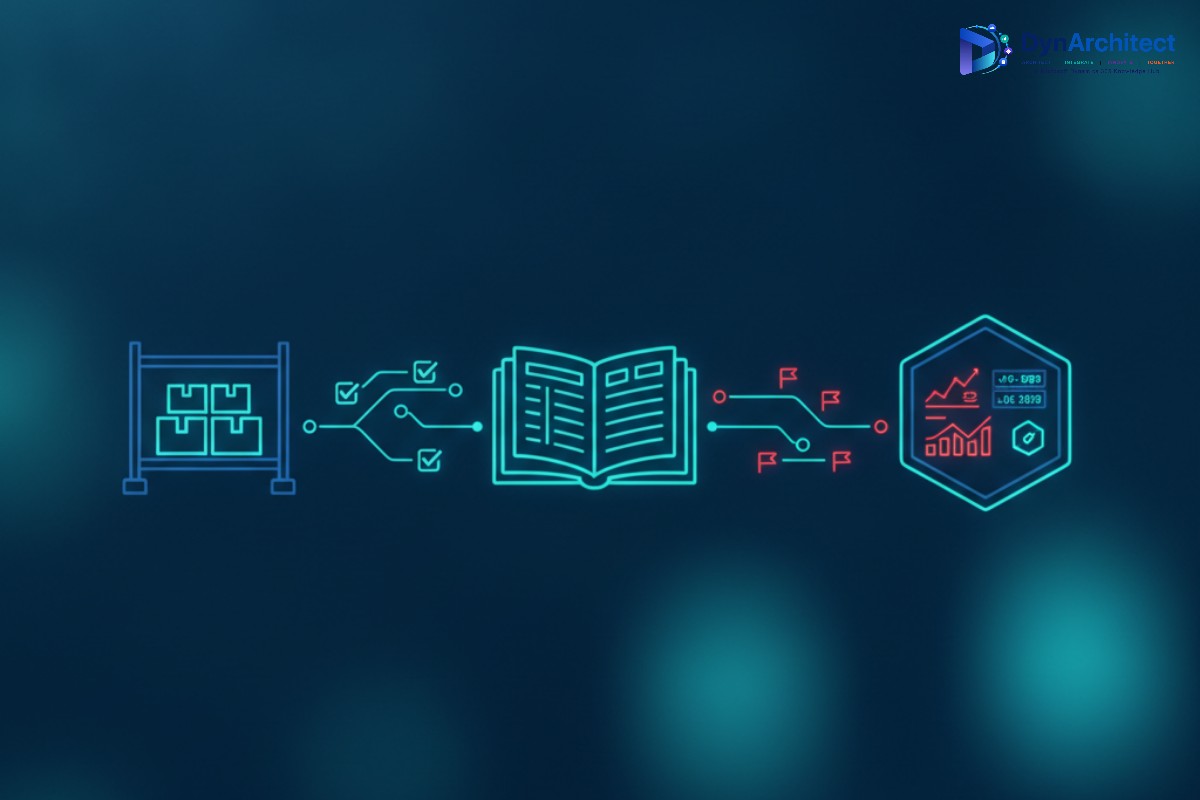
What’s New, and What’s Still on the Roadmap
The Account Reconciliation Agent itself is not new. It moved from public preview in April 2025 to a production-ready state covering four reconciliation areas: bank reconciliation, accounts payable, accounts receivable, and tax reconciliation. What the 2026 release wave 1 update adds is inventory as a fifth area, surfaced directly inside the existing Account Reconciliation workspace with the same suggested-action model finance teams already use for bank and AP exceptions. Fixed assets, project accounting, and intercompany reconciliation are on Microsoft’s stated roadmap for the agent, but as of this writing they remain planned expansions rather than shipped capability, so any implementation plan that assumes they’re available today needs correcting before it goes further.
Alongside the new reconciliation area, the update brings three changes worth planning around. Matching accuracy improved across one-to-one, one-to-many, and many-to-many transaction patterns, with fuzzy logic and tolerance rules that reduce the number of near-misses requiring a human decision. A bulk actions interface lets a controller approve or reject a batch of matched exceptions at once, which matters more for inventory than bank reconciliation simply because inventory subledgers generate far more line-level transactions per period. And the agent now feeds into a unified AI ERP agent feed, using Model Context Protocol integration, so it functions less like a standalone tool and more like one node in a broader reconciliation orchestration layer.
Prerequisites Before You Touch Feature Management
The setup sequence looks simple on paper. Enable the Account reconciliation agent feature (along with Immersive homepage and Agent management) in Feature Management, install the required Copilot for Finance and Operations apps at a current version, create a dedicated agent identity with Finance and Operations basic user, Account reconciliation agent, and Environment maker roles, then activate the reconciliation template under Modules > Agents. Environments should be on a reasonably current Dynamics 365 Finance build, since the underlying agent framework has moved fast enough that anything more than a few releases behind will hit missing dependencies during activation.
What the documentation doesn’t spell out clearly enough for inventory specifically is that the agent inherits whatever inconsistencies already exist in your item and dimension setup. If two warehouses post to the general ledger through different posting profiles but share an item number, or if a site’s financial dimensions don’t align cleanly with the legal entity boundary the agent expects, you will see that surface as reconciliation noise rather than a setup error, and it’s much harder to debug from inside an exception queue than it is to catch beforehand in a configuration review.
Why Inventory Breaks the Account Reconciliation Agent’s Usual Logic
Bank reconciliation compares two relatively clean feeds: what the bank says cleared and what the ledger says was posted. Inventory reconciliation compares a physical, cycle-count-driven world against a financial, standard-cost-or-moving-average world, and those two worlds are allowed to disagree temporarily by design. A cycle count adjustment might hit the subledger the day it’s counted but not post to the general ledger until a batch job runs overnight. A partial warehouse transfer can leave inventory in transit for days, showing up as a discrepancy that isn’t actually wrong, just incomplete. None of this is a flaw in the agent. It’s a mismatch between how the agent is tuned to think about timing and how inventory transactions actually move through a supply chain.
The practical fix is configuring exception limits and tolerance thresholds specifically for inventory before turning the agent loose across every warehouse. Start with the participating modules list and put inventory last in priority order relative to the reconciliation areas you already trust, so early exceptions surface where you have the most institutional knowledge to evaluate them. Set daily or monthly exception limits conservatively at first. If the agent hits that ceiling and stops processing, treat it as a signal to review configuration rather than simply raising the limit, because a ceiling that gets hit immediately after activation usually means the underlying data alignment work wasn’t finished, not that the agent needs more headroom.
Getting Matching Rules and Bulk Actions Right
The fuzzy logic and tolerance rule improvements in this release matter most for inventory because standard cost variances and rounding differences across unit-of-measure conversions generate small-dollar mismatches by the hundreds in a typical mid-sized F&O environment. Configure tolerance thresholds by materiality rather than using one blanket percentage across every item category. A $2 variance on a high-volume, low-cost SKU is noise; the same dollar variance on a low-volume, high-value asset-tracked item might be worth a human look. Once tolerance rules are tuned, the bulk actions interface lets a controller clear a screen of small matched variances quickly, reserving individual attention for exceptions that actually cross a materiality line.
Route anything that doesn’t resolve cleanly through the same governance model you’d apply to any other automated journal entry process. Restrict which roles can approve journal entry creation or reversal suggestions coming out of the agent, separate from the roles that can simply view or dismiss exceptions, and confirm the agent activity log is actually being reviewed rather than treated as a compliance checkbox nobody opens. The audit trail Microsoft built into this feature is genuinely useful, but only if someone is reading it.
A Rollout Sequence That Doesn’t Blow Up Month-End
Test the configuration against a copy of production data before activating against a live environment, and pilot with a single legal entity or even a single warehouse rather than switching every site on simultaneously. Run the agent in parallel with your existing manual reconciliation process for at least one full close cycle so you have a direct comparison of what it caught, what it missed, and what it flagged incorrectly. Only after that comparison looks clean should inventory reconciliation actually replace the manual process. Teams that skip this step tend to discover their false-exception rate during the highest-pressure week of the quarter, the worst possible time to debug a dimension mapping issue.
Schedule a recurring cadence, daily during the first month and weekly afterward, to review whatever exceptions the agent surfaces rather than letting them accumulate until close. This is less about the agent’s capability and more about organizational discipline: an automated reconciliation tool that only gets checked once a month at close doesn’t actually save the time it promises, because the exceptions still pile up and still need triage, just later and under more time pressure.
Where This Leaves Finance and Technical Teams
The inventory expansion of the Account Reconciliation Agent is a genuine step forward for organizations that have been reconciling inventory subledgers by hand or through custom SSRS reports for years, and the matching, bulk action, and orchestration improvements in this release apply across every reconciliation area the agent supports, not just the new one. But general availability of a capability and readiness to depend on it in a live close process are different milestones. The teams that get real time savings out of this update treat the first thirty to sixty days after activation as a controlled pilot with tight tolerance rules and close human review, not as a switch flipped once and forgotten. We’ve walked several Dynamics 365 F&O clients through exactly this kind of phased agent rollout at Routeget Technologies, and the pattern holds every time: the configuration and data alignment work up front determines whether an AI reconciliation agent actually shortens close, or just moves the manual effort into a different queue.
#AccountReconciliationAgent #DynamicsFinanceOps #InventoryReconciliation #D365FO #FinanceAutomation #ERPGovernance