

A prospect spends eleven minutes on your pricing page, adds a plan to a cart, then leaves without filling out a form. Three days later, that same person emails your sales team asking a specific question about the enterprise tier. In most Dynamics 365 environments today, those two events live in different universes: an anonymous session in Google Analytics or a marketing tag manager, and a fresh lead record with no browsing history attached to it. Without real-time web tracking tying the two together, the sales rep who picks up that email has no idea the prospect already compared pricing tiers three times last week.
That gap is what Microsoft’s new real-time web tracking and personalization capability in Dynamics 365 Customer Insights – Data is built to close, and it reaches general availability this month. For CMOs, sales operations leaders, and the CIOs who own the Dynamics 365 platform underneath them, the feature is worth understanding in some detail, because the way it actually works has a nuance that the “real-time” label in the release notes doesn’t fully convey.
What the Feature Actually Does
Customer Insights – Data now tracks website visitors, known and anonymous, through a script deployed on the site. The moment an unknown visitor lands on a page, they’re assigned a persistent tracking identifier stored in a cookie, and their behavior (pages viewed, products browsed, elements clicked) streams into Dataverse. Within roughly thirty seconds, that visitor shows up as an “unknown” customer profile inside Customer Insights, carrying a real activity history even though nobody knows their name yet.
When that same visitor eventually identifies themselves, by submitting a form, registering for a webinar, or creating an account, the system doesn’t discard the anonymous history. It calls a function that links the tracking identifier to the newly created customer record, and the previously anonymous browsing activity gets attached to a real profile. If that person later returns from a different laptop or a different browser, they get a new anonymous identifier on that device, but once they log in or submit contact information again, that second stream of activity gets tied back to the same underlying identity.
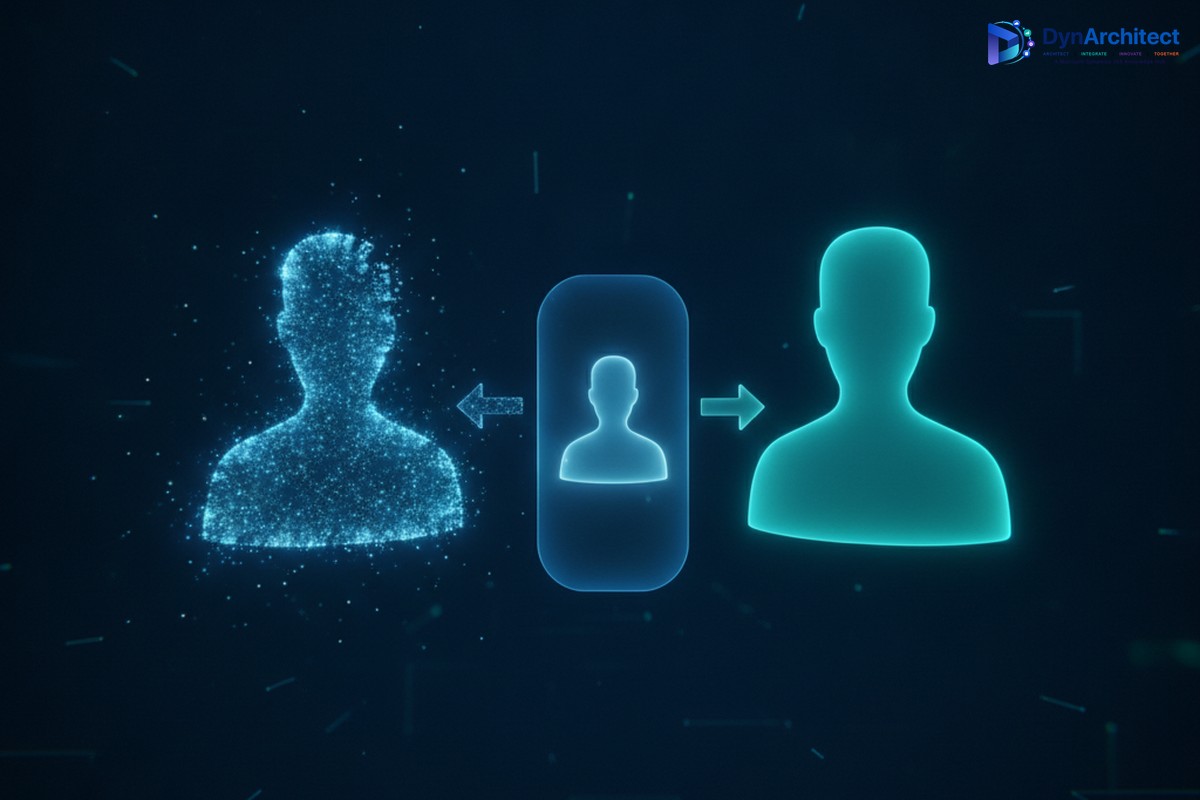
This is, functionally, a customer data platform capability arriving natively inside the Dynamics 365 stack rather than requiring a separate CDP subscription layered on top. Organizations can build personalization logic either through a no-code path using Microsoft’s Optimizely integration, or through a pro-code, API-driven approach for teams that want direct control over what triggers a personalized experience. Either way, the resulting segments and unified profiles are available to Customer Insights – Journeys for campaign targeting, and to any downstream system that queries the Dataverse tables directly.
Why “Real-Time Web Tracking” Needs a Footnote
Here’s the part worth flagging before anyone budgets a Q4 project around it. The anonymous tracking genuinely is real-time: activity streams into Dataverse and shows up in the Customers view within seconds of it happening. But the step that actually matters for revenue, merging that anonymous history into a unified customer profile, does not happen instantly. It runs on Customer Insights – Data’s scheduled unification process, the same batch job that has always consolidated records from multiple sources into a single golden profile.
In practice, a prospect can browse your pricing page today, submit a contact form an hour later, and still not show up in your CRM with their browsing history attached until the next unification cycle completes, which could be same-day or could stretch into the following morning depending on how the environment is scheduled. A rep calling a hot lead within minutes of form submission, still one of the strongest predictors of conversion, may be working from a bare contact record with none of the browsing signal that made the lead worth prioritizing.
None of this makes the feature less valuable. It does mean the operational conversation inside an IT or RevOps organization needs to be about unification frequency and lead-routing timing, not just about turning the tracking script on. Teams that assume “real-time” means “instantly reflected in the CRM record a rep is staring at” will be disappointed the first time a fast-moving lead falls through that gap.
One more wrinkle is worth flagging before anyone treats this as settled: Microsoft’s own step-by-step setup guide for the feature still carries preview-only language and cautions against production use, even though the official release plan lists September 2026 as its general availability date. That kind of documentation lag isn’t unusual right around a GA milestone, but it’s a reason to confirm the feature’s actual status directly in a given tenant, rather than assuming the release plan and the setup documentation are perfectly in sync on day one.
The Business Case Underneath the Feature
Set the timing nuance aside for a moment, because the underlying capability solves a problem that has quietly cost sales and marketing organizations money for years. Every enterprise running Dynamics 365 Sales alongside a separate web analytics tool has faced the same reconciliation problem: marketing can see anonymous traffic and behavioral signal, sales can see named leads and opportunities, and connecting the two requires either an expensive third-party CDP, a custom integration project, or accepting that a huge amount of buyer intent simply never reaches the people having sales conversations.
Bringing that unification natively into Dataverse changes the calculus in two ways. First, it removes a licensing and integration cost that many mid-market and even large enterprise customers had been avoiding entirely, leaving sales teams working blind on digital engagement signal even when marketing had the budget to capture it. Second, and more subtly, the browsing data now lives in the same platform as pipeline, opportunity, and service history, which is what actually makes predictive lead scoring and next-best-action recommendations useful rather than theoretical. A scoring model is only as good as the signal feeding it, and “this account viewed the enterprise pricing page four times in two weeks” is a materially stronger signal than anything derived from firmographic data alone.
The revenue argument holds up without inventing statistics to dress it up: faster identification of high-intent anonymous traffic lets marketing trigger nurture sequences sooner, lets sales prioritize outreach based on actual behavior instead of form-fill recency, and gives the handoff between the two functions real context instead of just a name and an email address. Organizations that have approximated this with tag-manager exports and manual CRM enrichment know exactly how much reconciliation work that replaces.
What a CIO or CMO Should Actually Evaluate
Before greenlighting a rollout, a few questions deserve real answers rather than assumptions carried over from the release notes. The first is privacy and consent: cookie-based tracking of anonymous visitors sits squarely inside regional privacy regulation, and the feature’s technical documentation does not, on its own, resolve consent banner integration, cookie retention policy, or a right-to-be-forgotten workflow for a visitor who was never formally identified. That work belongs to legal and privacy teams, not to the admin flipping the feature on.
The second is unification cadence, covered above but worth a concrete decision rather than a default setting left unexamined. Sales operations leaders should know, in hours or minutes, how long a browsing session actually takes to appear on a contact record in their environment, and should decide whether that cadence fits how their team works leads.
The third is the build decision between the no-code Optimizely path and the pro-code API approach. Organizations already running Optimizely for web experimentation will find the no-code route genuinely reduces lift. Everyone else should treat the pro-code path as a real development project rather than a configuration exercise, since it means deploying and maintaining a tracking script, standing up the customer tracking table in Dataverse, and building the logic that calls the identity-linking function at the right moment in a session.
Finally, multi-device identity resolution has a real limit worth setting expectations around: a visitor gets a new anonymous identifier on every new device or cleared browser, and reconciliation only happens once they identify themselves again there. For B2B buying committees browsing from several laptops across an account, the “unified” view stays an approximation built from whatever identification events actually occurred, not a complete picture of every stakeholder’s activity.
Where This Leaves the Rollout Decision
None of these considerations argue against adopting the capability. They argue for treating it as what it is: a genuine, natively integrated CDP function that closes a real gap between marketing’s view of a prospect and sales’ view of a lead, arriving with the operational fine print that any capability touching customer data and real-time expectations tends to carry. Organizations paying for a bolt-on customer data platform specifically to solve this unification problem now have a reason to reevaluate that spend, and organizations that had written the problem off as unsolvable inside their existing Dynamics 365 investment have a genuine option they didn’t have a year ago.
The teams that get the most value out of this will treat the September GA date as the start of a scoping conversation, covering consent workflows, unification timing, and the no-code versus pro-code build decision, rather than as a switch to flip and assume will behave exactly as its name implies. Firms that have already worked through CDP unification problems in Dynamics 365 environments, Routeget Technologies included, tend to see the same pattern: the technology answers a real business need, but the value only shows up once the operational details around timing and consent get resolved deliberately rather than left to default settings.
#DynamicsCustomerInsights #CustomerDataPlatform #LeadScoring #SalesMarketingAlignment #DigitalTransformation
No comment yet, add your voice below!