Your support team is drowning. Not in complexity, but in volume. A thousand routine questions every week come through email, chat, and your customer portal—questions your team answers well, but answers that take time. A customer calls because they cannot reset their password. Another emails asking which subscription plan covers their use case. A third wants to know when their order ships. Each question is simple. Each takes five minutes of agent time, plus the overhead of context switching and keeping everyone on the same page. Multiply that across thousands of organizations managing their own customer support, and the math becomes cruel: support costs scale with customer growth, training is constant, consistency is elusive, and weekend and after-hours support means either paying premiums or leaving customers waiting.
This is the problem that Copilot Studio was built to solve. And in 2026, it has finally matured into something organizations can actually deploy without treating it like an experimental sandbox.
Copilot Studio is Microsoft’s platform for building customer-facing AI agents without writing custom code. It sits between no-code bot builders (which feel like toy projects) and fully custom development (which takes months). The agents it produces can handle routine customer inquiries, collect context, escalate to humans when necessary, and do all of this in your brand’s voice and within your compliance boundaries. For many organizations, deploying just two or three well-designed agents can shrink support headcount costs, improve first-contact resolution rates, and extend support coverage into hours when human agents aren’t available.
The economics matter because AI customer service has been overhyped for years. Chatbots that frustrate users, fail to understand context, and dump customers into worse situations are not a saving. The breakthrough with Copilot Studio is that it addresses the actual constraints that made older bot platforms so terrible: it uses enterprise-grade language models that understand context and nuance far better than rule-based systems, it connects directly to your internal systems (Dynamics 365, your data platforms, your knowledge bases), and it knows when it doesn’t know and escalates to a human rather than guessing.
Where Customer-Facing Agents Actually Move the Needle
Routine questions represent 60-75 percent of incoming customer inquiries at most organizations. Billing questions, password resets, order status checks, product compatibility questions, account access issues, subscription plan comparisons—these are well-defined problems with consistent answers. An agent built in Copilot Studio can handle the vast majority of these without human involvement, provided it has access to the data it needs.
The first organizations to see ROI from customer-facing AI agents are those that started with high-volume, well-defined problems. A SaaS company with 10,000 paying customers gets 8,000 support tickets per month. Two-thirds are password resets, subscription plan questions, or billing inquiries. If a Copilot agent can resolve 70 percent of those tickets (5,300 resolved per month), the organization avoids hiring one full-time support agent, saves overhead, and responds to 90 percent of routine inquiries within seconds instead of hours. The payback period on an agent that took two weeks to build is immediate.
Financial services firms are using Copilot agents to handle account inquiry volume before escalation to compliance-aware human specialists. Retail and ecommerce companies are deploying agents to answer product questions and check order status without making customers navigate phone trees. Manufacturers are building agents to guide customers through warranty claims and technical documentation. These are not edge cases. They are mainstream support operations that work better when agents handle volume, humans handle exceptions, and the handoff between them is clean.
The Practical Constraints: Where Humans Still Matter
Copilot Studio’s capabilities are real, but its boundaries are equally real. Agents excel at handling well-defined, transactional problems with clear answers. They struggle with novel problems, edge cases, and situations that require judgment, empathy, or creativity. The agent can answer “What is my order status?” instantly. It will not navigate a customer through a complex refund dispute involving partial returns, restocking fees, and regional tax rules without human involvement. The agent can collect information from a form and route it to the right team. It cannot counsel a customer through a strategic business decision or talk them through a problem they don’t fully understand yet.
The organizations that fail with customer-facing agents are those that treat them as replacement for support teams rather than as force multipliers that let humans focus on problems that actually need humans. An agent that handles the first 20 percent of inquiries (the easiest, highest-volume ones) frees your team to spend 50 percent more time per complex case, actually solving harder problems rather than rushing between easy ones. That is the real value.
Escalation is the key technical piece. Copilot agents built well are designed to recognize when they have reached the boundary of what they can solve. They collect the necessary context and hand off to a human specialist with everything that specialist needs to understand the problem already in view. If escalation is treated as a failure, you have built a bad agent. If escalation is treated as a critical part of the design, you have built something that actually works.
Implementation: Building Agents That Stick
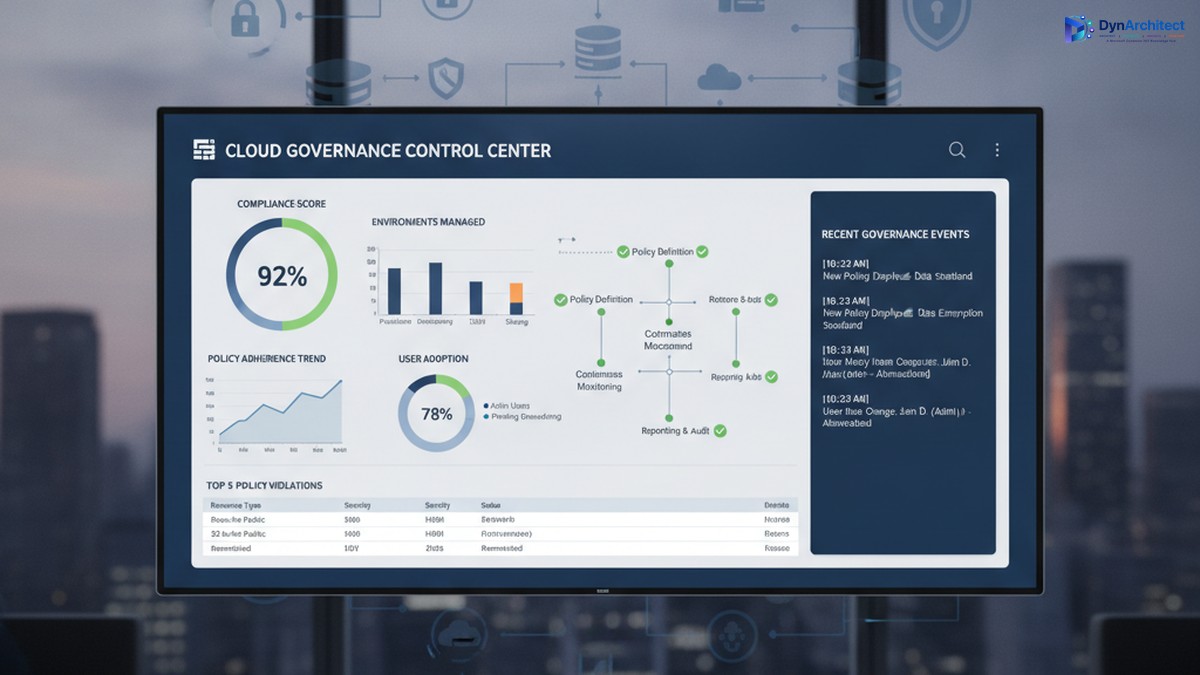
Copilot Studio has matured significantly since 2024. A team with basic Dynamics 365 experience can now design, test, and deploy a working customer-facing agent in two to three weeks. The platform provides templates for common scenarios (billing inquiries, order status, account access), connectors to pull data from Dataverse, SharePoint, Power BI, and APIs, and monitoring dashboards that show you exactly where agents are succeeding and where they are escalating.
The setup that works in practice begins with clarity about scope. Define the specific problem the agent will solve. Don’t build an agent for “all customer support.” Build an agent for password resets. Then for billing inquiries. Then for order status. Each narrow focus means a higher success rate, less data to fetch, and simpler escalation logic. Three focused agents deployed over two months will outperform a sprawling agent built over six months.
Connection to your data systems is non-negotiable. The agent needs read access to customer records in Dynamics 365 (or your CRM), order databases, billing systems, and knowledge bases. If you are asking agents to answer questions without giving them the data, you are setting them up to hallucinate, and you are guaranteeing user frustration. The integration work is usually the longest part of implementation, and it is worth doing properly.
Testing with real customer inquiries is essential. Take transcripts of actual support tickets from the last six months. Run them through your draft agent before deployment. Watch where it succeeds, where it guesses, where it escalates. Refine. Then run through the same dataset again. The agents that work in practice have been stress tested against real customer communication, not just hypothetical scenarios.
The Decision for Business Leaders
For most organizations, the question is not whether to explore customer-facing AI agents, but when and how to start. The technology is no longer cutting-edge or experimental. It is a mature platform in which the main variable is execution skill and scope clarity, not capability gaps.
Start with your highest-volume, best-defined customer problem. If you handle 1,000 password-reset requests per month, and your current cost is twenty cents per reset in agent time, a Copilot agent that handles 70 percent of those has a six-month payback period and gets better over time. That is a business case. Run a pilot. Measure escalation rates, resolution rates, customer satisfaction on resolved cases versus escalated cases, and actual support team time freed. Then decide on the next agent.
The cost to build and operate a Copilot agent is lower than you probably think. Licensing is inclusive in your existing Microsoft 365 or Dynamics 365 enterprise agreement. Building an agent takes weeks, not months. Operation is mostly monitoring and occasional refinement. The barrier today is organizational clarity about which problems to solve first, not technical capability or budget.
Two years ago, I would have said customer-facing AI agents were promising but not yet production-ready for most enterprises. That is no longer true. In 2026, Copilot Studio is production-ready. The question is whether your organization is ready to make the investment and commitment to building agents that actually work.
Next Steps
If you are leading an organization evaluating customer-facing AI agents, start here: audit your support ticket volume for the past six months. Calculate the cost of handling each major ticket category. Identify which categories represent high volume and low complexity. Talk to your support team about which problems they would most like to hand off to an agent. Then run a focused pilot on a single high-volume, well-defined problem. Measure everything. Then expand based on what works.
The economics of customer support are changing. Organizations that deploy customer-facing AI agents effectively will support their customers better and at lower cost than organizations that do not. The capability is here. The platform is mature. The next question is yours to answer.
About Routeget Technologies: Routeget specializes in implementing Dynamics 365 and Microsoft Power Platform solutions, including the design and deployment of intelligent customer-facing agents using Copilot Studio. We help organizations audit support workflows, design agents for maximum ROI, and measure outcomes that matter. If you are evaluating customer-facing AI agents, we can help you scope a pilot and build momentum for scaling customer-service automation across your organization.
#CopilotStudio #CustomerServiceAI #CustomerExperienceAutomation #EnterpriseAI #SupportAutomation #CostOptimization #DigitalTransformation