When most finance teams implement Business Central, inventory costing defaults to FIFO. It’s the system default, it feels familiar, and no one on the implementation team flags it as a strategic decision. Then, 18 months into production, the conversation happens in the CFO’s office: your inventory balance sheet valuation has drifted significantly from what your tax accountant expected, your working capital metrics look different than they did under your legacy system, and your auditors are asking uncomfortable questions about whether the method you’re using actually aligns with your declared accounting policy.
This scenario repeats across organizations that underestimate the costing method decision as a finance strategy choice rather than a technical configuration. The truth is that your selection of FIFO, LIFO, weighted average, standard, or specific costing in Business Central ripples through your financial statements, your tax position, your working capital calculation, and your audit trail in ways that matter far more than most implementation teams realize.
## Why the Costing Method Choice Actually Matters to the Bottom Line
Business Central’s inventory costing method determines which purchase prices flow into your cost of goods sold and which prices remain sitting in inventory on your balance sheet. This distinction seems technical, but the financial impact is substantial. When prices rise, different costing methods produce radically different results: one method increases your reported profits and tax liability, another decreases both, and a third lands somewhere in between. The method you choose today locks in a path for your working capital metrics, your borrowing capacity, and your tax strategy for years to come.
Beyond the numbers, the costing method choice also determines how flexibly you can adjust costs after posting, whether you can back-date transactions without recalculating everything downstream, and how much discipline you need from your inventory and purchasing teams to keep the GL in sync with your ledger. Some methods are forgiving when you discover a $5,000 invoice weeks after posting; others force you to recalculate thousands of ledger entries and reconcile your entire inventory GL account.
## FIFO: The Default That Often Feels Wrong Under Inflation
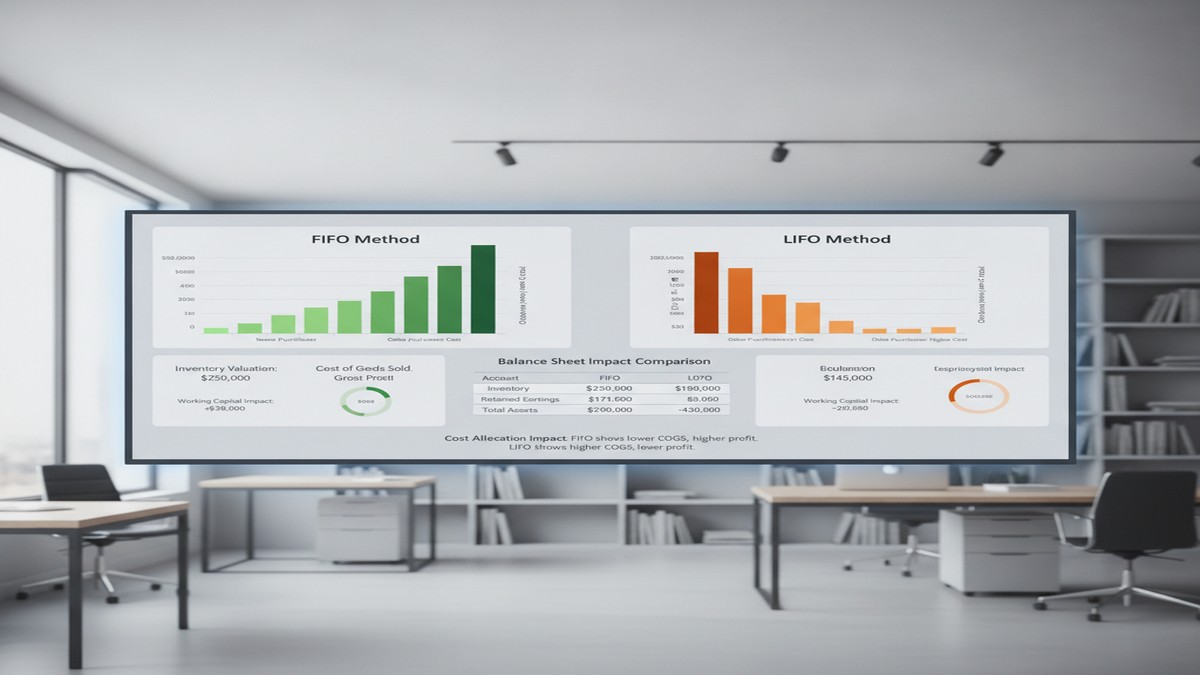
First-In, First-Out assumes that the oldest items purchased are the first ones sold. When prices are stable or declining, FIFO produces intuitive results. When prices rise, FIFO increases your reported inventory value and profits, which sounds good until tax day arrives and your tax liability rises with it. In an inflationary environment, FIFO inflates your balance sheet. Your inventory looks more valuable, which helps you approach lenders and improves your current ratio. Your cost of goods sold stays lower, making gross margins look better. But your reported profit grows, and so does your tax bill.
FIFO is also straightforward to reconcile. Business Central tracks which purchase transactions were consumed in which sales, so tracing cost flows back to specific purchase invoices is relatively transparent. If you discover a cost error in a purchase invoice, you can correct it without triggering a cascade of recalculations across the entire inventory GL. These operational benefits make FIFO the path of least resistance for many finance teams.
The constraint worth noting: once you set an item to FIFO in Business Central, you cannot change to a different costing method if any ledger entries exist for that item. This lock-in effect means your initial FIFO choice is likely permanent for years, even if business conditions shift.
## LIFO: The Tax Advantage with Regulatory Complications
Last-In, First-Out assumes that the most recently purchased items are sold first, which produces the opposite financial effect of FIFO. In an inflationary environment, LIFO decreases your reported profits and tax liability, which is why LIFO became popular during high-inflation eras as a way to reduce tax burden. Your cost of goods sold rises faster, your gross margin shrinks on paper, and your reported profit falls, which lowers your tax bill.
The catch is significant: LIFO is disallowed in many countries and regions outside the United States. If your organization operates internationally or plans to expand outside the US, LIFO creates compliance complications and audit friction. Some jurisdictions view LIFO as a method that artificially depresses profit, and regulators restrict or disallow its use entirely. For this reason, LIFO is increasingly rare in global organizations, even though it retains tax appeal in the US market.
## Weighted Average: The Middle Ground for Volatile Costs
Weighted average costing calculates a single average unit cost at a defined interval (daily, weekly, monthly, quarterly, or per accounting period). Every item consumed during that period uses the same average cost. This method produces results that fall between FIFO and LIFO, making it a reasonable choice when your product costs are volatile or you have mixed, homogeneous inventory such as chemicals, raw materials, or commodities where tracing individual purchase costs to specific sales is impractical.
The operational trade-off with weighted average is important: if you back-date a transaction, Business Central must recalculate all affected ledger entries and inventory GL entries within that averaging period. A single invoice correction that appears weeks after posting can trigger a recalculation wave that touches hundreds of inventory transactions. This recalculation risk makes weighted average less attractive in environments where posting errors surface late or where regular transaction corrections are common.
## The Real Decision Framework: What Finance Leaders Should Actually Evaluate
Selecting your costing method should be driven by three distinct questions, not by which method your legacy system used or which option appears first in the setup wizard.
First, what is your product cost environment? If product costs are stable or predictable, FIFO is operationally clean. If your costs are volatile and inventory is homogeneous, weighted average is more defensible. For highly valued, easily identifiable items, specific costing gives you exact cost tracking.
Second, what is your tax and financial reporting strategy? If you want to minimize tax liability in an inflationary environment, LIFO appeals. If you want to maximize reported profits and borrowing capacity, FIFO serves that goal. If you want a neutral middle ground that doesn’t swing too far either direction, weighted average is stable. This decision is not a technical question; it is a finance strategy question that should involve your tax accountant and CFO.
Third, what are your regulatory and audit constraints? If you operate globally, LIFO creates complications. If your auditors have strong opinions about industry-standard methods, align with those expectations upfront. If your working capital and cash flow metrics are tightly monitored by lenders, verify that your costing method choice aligns with debt covenant calculations.
Once these three questions are answered, the technical choice becomes clear.
## Common Mistakes That Surface After Cutover
Finance teams frequently discover problems with their costing method choice only after cutover has been running for months. One common mistake is defaulting to FIFO because the implementation team knew no better, then realizing too late that your tax strategy would have favored weighted average or that your auditor expected a different method. Another frequent issue is underestimating the back-dating problem with weighted average, only to discover months later that regular cost corrections trigger massive recalculation waves that destabilize your GL.
A third mistake is failing to ensure that your Dynamics purchasing and inventory teams understand the costing method you selected. If your team does not know that you have chosen LIFO, for example, they may manage inventory in a way that contradicts LIFO’s assumptions, making your GL reconciliation substantially harder and your audit trail less defensible.
## Resetting the Choice Requires Planning
If you discover six months after cutover that you selected the wrong costing method, reversing the decision is expensive and disruptive. The technical constraint is absolute: you cannot change an item’s costing method if ledger entries exist. Resetting requires either creating new item numbers and migrating open inventory to those new items, or conducting a full inventory revaluation and GL restatement. Both paths are operationally messy and often require auditor involvement to ensure the transition is defensible.
For this reason, getting the choice right upfront is worth the investment of time and expert input before cutover.
## The Real Impact: Working Capital and Strategic Positioning
The costing method you choose in Business Central is not a technical detail to delegate to the implementation team; it is a financial strategy decision that affects your reported working capital, your tax position, and your balance sheet strength for years to come. FIFO inflates your inventory value and profits during inflation, making your balance sheet look stronger to lenders but increasing your tax bill. Weighted average cushions you against cost volatility but exposes you to recalculation risk. LIFO minimizes taxes but creates regulatory complications.
Organizations that treat the costing method choice as a strategic decision, led by their CFO and tax accountant rather than by the technical implementation team, avoid costly reversals after cutover and build a Business Central GL that supports their actual financial and tax strategy. Routeget Technologies helps finance and operations teams make this strategic choice before implementation, ensuring that your Business Central configuration aligns with your working capital goals and tax objectives from day one.
The choice you make now will shape your financial statements for years. Make it deliberately.
—
#BusinessCentralInventory #InventoryCosting #WorkingCapital #BusinessCentralFinance #FIFOvLIFO #CFOStrategy #DynamicsFinanceOps #FinancialAccounting #CostAccounting #BusinessCentralCore

About Routeget Technologies: Routeget Technologies is a Microsoft Dynamics consulting firm helping enterprise and mid-market organizations implement, optimize, and extend their Microsoft technology investments. Our teams combine deep technical expertise with business advisory experience to deliver implementations that drive operational efficiency and financial impact.