
Automated Workflow Sprawl in Power Automate: How Finance Leaders Can Prevent the Cost Explosion Most Orgs Don’t See Coming

Finance leaders across enterprise organizations are discovering an uncomfortable truth about Microsoft Power Automate adoption: the platform that promises to eliminate manual work through low-code automation often becomes a hidden cost center once it reaches production scale. The culprit is not a licensing pricing error, but a governance gap. Organizations typically purchase Power Automate licenses based on anticipated user volume or a modest number of bots, only to find themselves facing exponential cost growth within 12 to 18 months. The reason is straightforward: they underestimated the volume of workflows that would be built, and they failed to establish guardrails to manage that sprawl before it spiraled into a compliance and budget problem.

The early signs appear incremental. A department discovers Power Automate and begins automating quote-to-invoice workflows. Finance enablement builds flows for journal entry generation. HR creates robotic process automation bots to automate onboarding. Each initiative seems reasonable in isolation, delivering clear ROI. But without a centralized finance governance model that tracks cost per flow, enforces retry limits, and manages premium connector usage, cloud flow sprawl becomes the default outcome. By the time the Finance organization sees the full bill, they are managing hundreds of flows across dozens of teams, with no clear visibility into which flows are actually delivering value and which are simply consuming API request capacity.

This article is written for finance leaders, IT directors, and CFOs who are either experiencing unexpected Power Automate cost overruns or want to prevent them as they scale.

The Real Cost of Power Automate is Not on the Price Sheet
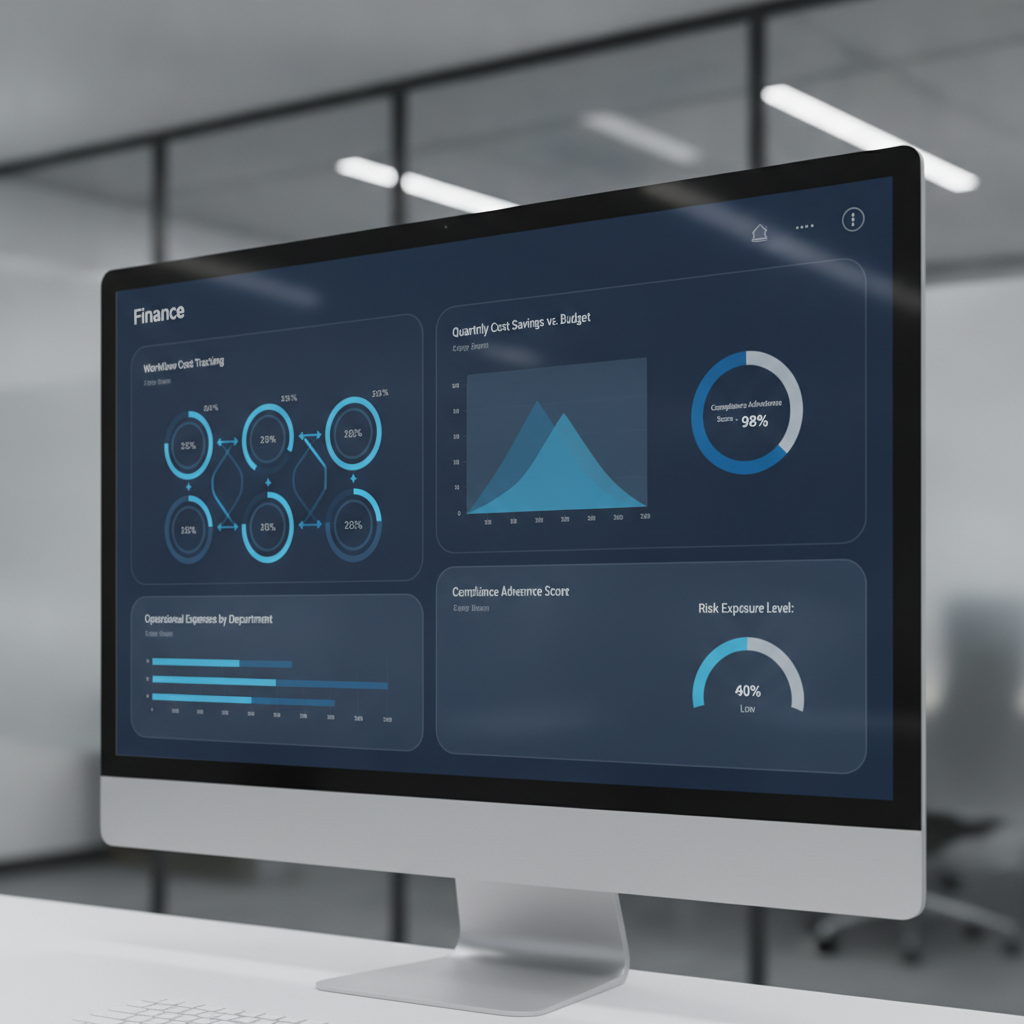
Finance dashboard showing cost controls and governance metrics for Power Automate workflows

Microsoft’s published Power Automate pricing tells one story: Premium plans at $15 per user per month, Process bot licenses at $150 to $215 per bot per month, plus premium connector fees for integrations to enterprise systems like Salesforce, SAP, or ServiceNow. That is the anchor price, but not the total cost most organizations experience at scale.

Research consistently shows that real total cost of ownership runs 3 to 5 times the base licensing cost once automation moves beyond pilot into operational deployment. The gap exists because several cost drivers are not visible at purchase time and are not managed as line items on initial procurement requests.

First is the cost of premium connectors. The base Power Automate license includes only standard connectors. Flows that touch enterprise systems like Salesforce, Oracle, ServiceNow, or SAP require a premium connector license, adding per-user or per-flow costs on top of the base plan. In a large organization with dozens of automation use cases spanning Finance, Operations, and Sales, premium connector usage becomes a pervasive second licensing layer.

Second is the API request limit structure. Each Power Automate license allocation includes a fixed daily quota of API requests. Flows running at high frequency can exhaust this quota, causing throttling and execution failures. Organizations can either optimize flows to use fewer API calls (expensive in consultant time) or purchase additional request capacity (expensive in licensing). This cost is often discovered in production, not in the procurement phase.

Third is the cost structure of unattended robotic process automation. Finance automation commonly involves unattended desktop flows, which require a separate Process bot license ($150 to $215 per bot per month). Organizations frequently begin with a pilot of two or three bots, then discover they need five, ten, or twenty bots to handle all manual processes suitable for RPA. Each additional bot is a monthly recurring cost, and growth correlates directly with how aggressively the organization pursues automation.

Fourth is the cost of monitoring and governance infrastructure. Cloud flows fail. Bots encounter edge cases and incomplete data. At large scale, organizations need investment in monitoring solutions, error logging platforms, and governance tooling, all adding to total cost of ownership beyond the base license itself.

How Workflow Sprawl Becomes a Budget Crisis
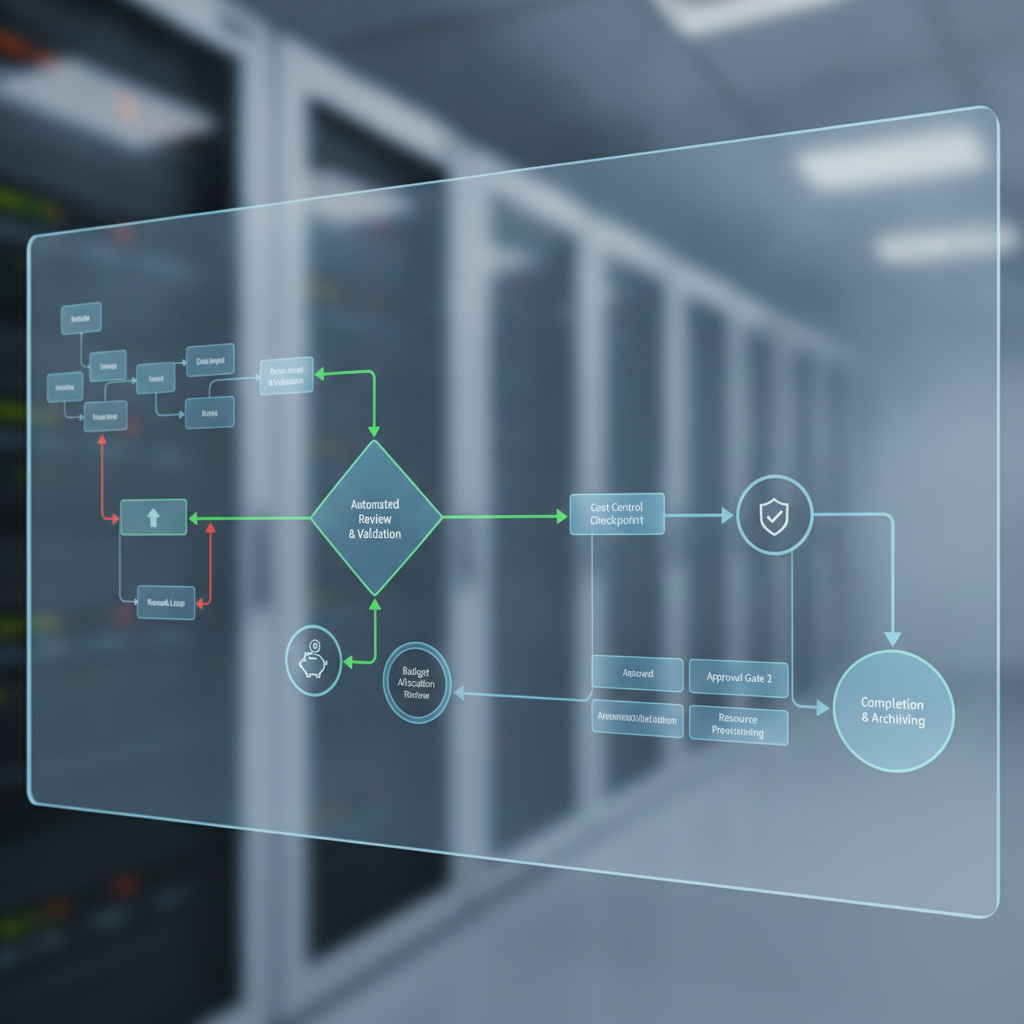
Workflow automation governance and approval gates visualization

The progression from pilot to sprawl follows a predictable pattern, rooted in organizational behavior and governance gaps rather than platform limitations.

Phase one is the success case. A team automates a business process with measurable results. Leadership approves expansion. Teams that see the success submit their own automation requests.

Phase two is the consumption phase. Requests accelerate. Finance IT or a Center of Excellence builds flows and bots in higher volume, focused on delivery velocity and process improvement, not cost per flow or API efficiency. An organization that budgeted for twenty flows but ended up with eighty viewed this as adoption success, not flagged as a problem. The assumption is that cloud platforms are cheap and infinite, an assumption that fails at the scale of hundreds of concurrent flows in a large enterprise.

Phase three is the recognition phase. The monthly software license bill arrives 50 percent higher than expected. Or the Power Automate admin console shows API request quotas being exhausted regularly. Or an audit discovers flows created without any approval process.

Phase four is the governance crisis. By this point, the organization has hundreds of flows and dozens of bot licenses in production. Rationalizing them is difficult because so many business processes depend on them. The choices become unattractive: freeze new automation requests, accept runaway costs, or undertake an expensive flow rationalization effort.

The real cost of sprawl extends beyond license fees. It includes operational overhead, wasted automation effort on redundant processes, API request overages, and governance overhead of auditing that volume of automation.

Governance Framework to Prevent Sprawl

The solution is not to avoid Power Automate, but to impose financial discipline and governance from the start, before sprawl becomes endemic.

First, establish a flow cost tracking model. Assign ownership, purpose, and monthly cost estimate to every flow and bot. Track actual API request consumption per flow and per team. Without cost visibility at that level of granularity, finance leaders cannot see which automation initiatives deliver value and which simply consume capacity.

Second, establish approval and prioritization gates for new automation. Every new flow or bot should be evaluated for business value, estimated cost per transaction, expected API request volume, and whether the outcome duplicates existing automation.

Third, set hard API request budgets by department. Monitor consumption weekly, not monthly. If a team approaches its budget, trigger a review of flow efficiency and consolidation opportunities.

Fourth, enforce premium connector policies. Premium connectors should be approved before flows are built, not discovered during cost review. Understand whether standard alternatives exist and whether business value justifies incremental licensing cost.

Fifth, consolidate flows quarterly or semi-annually. Identify redundant flows, consolidate similar use cases, and retire flows no longer delivering value. Treat the flow library as a managed asset.

Sixth, implement centralized monitoring and governance tooling. The Power Automate Center of Excellence starter kit or third-party platforms provide visibility into flow execution, failure rates, and API request consumption.

Where Finance Leaders Should Start

For CFOs and Finance Leaders evaluating or scaling Power Automate, the path starts with one decision: treat automation as a governed, cost-tracked initiative, not a free-for-all low-code platform.

If your organization is in pilot phase, establish governance discipline now, so it is part of the adoption story from the start rather than a late-stage correction.

If your organization is already in sprawl phase, the priority is visibility. Audit your current environment. Understand what flows are running, what they cost, what they do, and whether they deliver value. Execute a consolidation program to reduce complexity and cost.

Power Automate is genuinely powerful and genuinely cost-effective when deployed in a disciplined way. The platform is not the problem. Governance is. Finance leaders who treat it as a governed, tracked, and financially accountable initiative will see the promised ROI. Those who treat it as a free platform for teams to automate whatever they want will see costs spiral.

The choice, and the accountability, starts with Finance.


Routeget Technologies helps enterprise organizations design and implement governance frameworks for Power Platform and enterprise automation, ensuring automation delivers ROI at scale rather than becoming a hidden cost center.

#PowerAutomateGovernance #WorkflowAutomation #FinanceTransformation #PowerPlatform #CostOptimization #EnterpriseAutomation #Microsoft365Automation


Dataverse Long-Term Retention Can Cut Your F&O Storage Bill in Half. It Doesn’t Keep Your Encryption Key.

IT and finance leaders reviewing a Dataverse storage capacity dashboard in a boardroom

A CFO reviewing next year’s Power Platform renewal usually finds the same line item growing faster than anything else on the invoice: Dataverse database capacity. For a Dynamics 365 Finance and Supply Chain Management customer with a few years of general ledger, tax, inventory, and sales order history behind it, that growth is not a mystery. Transactional tables in F&O apps do not shrink on their own, and every fiscal year adds another layer of records that almost nobody queries but that the platform still has to store, index, and back up at full price.

IT’s answer to that problem usually arrives as a single line in a capacity review deck: turn on Dataverse long-term retention and archive the old transactions out of the live database. It is a real fix, and Microsoft’s own numbers back it up. But the conversation tends to stop there, before anyone asks the question a security or compliance lead should be asking, which is what happens to the encryption key protecting that data once it moves.

Why F&O Capacity Grows Faster Than the Budget Assumes

Dataverse long-term retention, sometimes shortened to LTR, lets an organization move inactive records out of live application tables into a separate, read-only retention layer that still lives inside Dataverse and is still governed by Microsoft Entra ID. For Finance and Supply Chain Management specifically, Microsoft currently supports archiving general ledger transactions, tax transactions, inventory transactions and journals, sales orders, and Commerce transactions this way. Attachments are explicitly excluded for now.

The financial case is straightforward once you see the compression numbers. Microsoft states that data moved into Dataverse long-term retention consumes roughly half the capacity of the same data sitting in a live table, and when the F&O-specific archive process goes a step further and migrates that data into history tables rather than leaving it only in retention, the history-table footprint can run closer to 30 percent below the original. At a commonly cited list price of roughly 40 dollars per gigabyte per month for Dataverse database capacity, an organization sitting on several hundred gigabytes of aging general ledger and inventory history is not looking at a rounding error. It is looking at a five- or six-figure annual number that a straightforward archive policy can meaningfully cut, without touching a single report a controller actually runs day to day.

That is the pitch that gets this feature onto a roadmap. It is also, on its own, an incomplete pitch.

What Dataverse Long-Term Retention Actually Does, and How Long It Takes

The mechanics matter for planning purposes, not just for understanding the technology. Microsoft’s documentation describes the F&O archive process as a sequence of stages: replication of records into Dataverse long-term retention, marking of records that meet the retention policy’s criteria, reconciliation to confirm every record made it across intact, and finally migration, where the data is moved into history tables and removed from the live application tables. Only after that full sequence completes does the capacity reduction actually show up in reporting, and Microsoft’s own timeline for that is seven to fourteen days depending on data volume, with archival jobs deliberately run at lower priority than normal application workloads.

There is a detail buried in that same documentation that tends to surprise architects who assume large-scale platform jobs run in parallel by default: they do not, here. Microsoft states plainly that the stages of the F&O archival process “run sequentially in the background.” If you are planning to archive several years of general ledger, tax, and inventory history in the same cycle, that sequencing, not the compression ratio, is what actually determines how long your capacity relief takes to land. A rollout plan built around a single “flip the switch and wait a week” assumption is usually wrong by a factor of several weeks once multiple table types and several years of backlog are involved.

None of that is disqualifying. It is simply the kind of operational detail that belongs in a project timeline, not a surprise a program manager discovers in week three.

The Encryption Question That Actually Changes the Decision

Close-up of a compliance professional reviewing an encryption key management interface on a laptop

Here is where the conversation should slow down before a decision gets made, particularly for regulated industries such as financial services, healthcare, government contracting, or any organization with a contractual or regulatory commitment to control its own encryption keys.

Microsoft Power Platform has moved through two generations of customer-controlled encryption. The older mechanism, generally referred to as bring your own key or BYOK, is now explicitly positioned by Microsoft as a legacy predecessor to the current customer-managed key, or CMK, model. That distinction is not cosmetic. Microsoft’s own migration guidance states that environments still running the legacy BYOK encryption model are locked out of a specific list of newer Dataverse capabilities until they migrate to CMK, and Dataverse long-term data retention is on that list, alongside elastic tables, Dataverse search, AI Builder, and several others. An organization that has not made the BYOK-to-CMK move simply cannot turn retention on yet.

For organizations evaluating the F&O-specific archive path directly, Microsoft’s own archive documentation adds a second, sharper detail. It states that customers using the legacy BYOK model should be aware that data moved into Dataverse long-term retention is encrypted with a Microsoft-managed key rather than the customer’s own key, and it recommends migrating to customer-managed key as a result. Read carefully, that is Microsoft telling its own customers that the encryption custody model can change the moment data crosses from a live table into the archive, unless the tenant has already completed the CMK migration first. It is worth noting that the guidance itself is not fully explicit about whether this applies only to tenants still on the older model or to every tenant regardless of current key configuration, and a security team relying on this feature for a compliance commitment should confirm the current behavior for their specific tenant and encryption configuration directly with Microsoft before treating archived data as covered by the same key custody guarantee as their live data.

For a business that markets its own data handling on the strength of customer-held encryption keys, whether to a regulator, an auditor, or a customer contract, that is not a footnote. It is a governance gap that needs to close before the capacity-savings project starts, not after an auditor asks where the archived general ledger data actually lives and under whose key.

Sequencing the Decision Correctly

The organizations that get this right treat Dataverse long-term retention as a governance initiative with a cost-savings side effect, not the other way around. That means confirming current encryption status first: whether the tenant is still on legacy BYOK, already on CMK, or using Microsoft-managed keys by default, since only the first case actually creates a conflict. It means building the CMK migration, if one is needed, into the project plan ahead of the retention policy rollout rather than in parallel with it, since Microsoft’s own guidance describes CMK migration as something that can happen without contacting Microsoft support, which removes one common excuse for delay. And it means setting expectations with finance leadership that the capacity savings materialize over a multi-week sequential process per table type, not overnight, so the budget conversation is not built on a timeline the platform cannot actually deliver.

We at Routeget Technologies have walked F&O customers through exactly this sequencing, and the pattern holds consistently: the technical archive configuration itself is the easy part. The harder, more valuable conversation is the one between IT, finance, and compliance about what “the data is still in Dataverse” actually means once the key protecting it is no longer necessarily the one the organization chose.

The capacity savings on a Dataverse long-term retention rollout are real, and for an F&O environment with years of transactional history, they are often large enough to justify the project on cost grounds alone. But the encryption question is not a technicality to resolve after the fact. It is the first question a CIO or CFO should ask before the retention policy goes live, and the answer determines whether this is a two-week configuration task or a multi-month project that starts with a key migration.


#DataverseRetention #CustomerManagedKey #BYOKMigration #DynamicsFinanceOps #ERPCostOptimization #CloudArchitecture