

A solution architect reviewing a Dataverse environment for a mid-market industrial services client recently found three separate custom tables, each carrying a different prefix from three different implementation phases, all describing the same thing: a physical site where equipment lived. One had been built by an internal power user modeling “Locations.” Another arrived bundled with an asset management add-on that already shipped a standard table for exactly this purpose. A third was created eighteen months later by a consulting partner who never checked whether either of the first two existed. None of the three synced with each other. Field technicians updated one, finance reported from another, and a Copilot Studio agent built the following year queried a fourth table that didn’t even have the data anyone actually needed.
This is not an unusual story. It is close to the default outcome when the standard vs custom Dataverse tables decision gets made under sprint pressure by whoever is in the room that week, without anyone asking a simple question first: does a standard table already do this?

Why the standard vs custom Dataverse tables decision is easy to get wrong
Dataverse ships with hundreds of standard tables (Account, Contact, and Case are the obvious ones, but plenty of others arrive silently through installed solutions like Asset Management, Project Operations, or Customer Service) built on the Common Data Model, Microsoft’s shared schema for representing common business concepts consistently across apps. These tables carry no prefix. A custom table, by contrast, always carries one, whether that’s a publisher prefix like cra_ or a legacy new_. That naming convention is the fastest way to tell which category a table belongs to, but it only helps if someone actually looks.
The reason teams skip that check is rarely laziness. It is usually that building a new custom table feels faster and safer than researching whether a standard one already covers the need, especially early in a project when the backlog is long and the standard table’s full column list and relationship graph aren’t obvious from a quick glance at the maker portal. The problem is that this shortcut doesn’t cost you anything visible in week one. It costs you eighteen months later, when a Fabric Link migration, a cross-application integration between Finance and Operations and Customer Engagement, or a Copilot Studio agent expects the canonical CDM entity and instead finds three partial, disconnected substitutes.
What actually distinguishes standard, custom, and virtual tables
The decision isn’t really binary. There are three categories worth holding in mind, and each answers a different question about who owns the data’s lifecycle.
Standard tables are the right choice when Dataverse itself is the authoritative source for that data and the concept maps to something Microsoft has already modeled: a contact, an account, a case, a work order. Even when a standard table doesn’t fit perfectly out of the box, most standard tables are customizable, meaning you can add columns, choices, and relationships to extend them without forking the concept into a parallel structure. Extending a standard table keeps every existing app, flow, security role, and future Copilot agent that already understands that entity working correctly, because they’re still querying the same canonical table, just with a few more fields on it.
Custom tables earn their place when the data genuinely doesn’t correspond to anything in the Common Data Model and is specific to how your organization actually operates: an internal certification tracking table, a custom approval matrix, something with no reasonable standard analog. The mistake isn’t creating custom tables. It’s creating one before checking whether the concept already has a home.
Virtual tables solve a different problem entirely: they matter when an external system, not Dataverse, remains the true owner of a record’s lifecycle. A virtual table stores only metadata in Dataverse and queries the external source (an ERP system, a warehouse management platform, a legacy line-of-business database) live, through a data provider. This matters more than it sounds like it should, because the alternative, replicating that external data into a standard or custom Dataverse table on a schedule, introduces a staleness window that can turn into a real operational failure. If a warehouse system shows zero units on hand but the last Dataverse sync ran six hours ago and still shows ten, a sales rep can quote stock that doesn’t exist, and the order gets canceled after the customer has already been told it’s on the way. Virtual tables avoid that gap by not caching the data at all, at the cost of depending entirely on the external system’s availability and performance for every query.
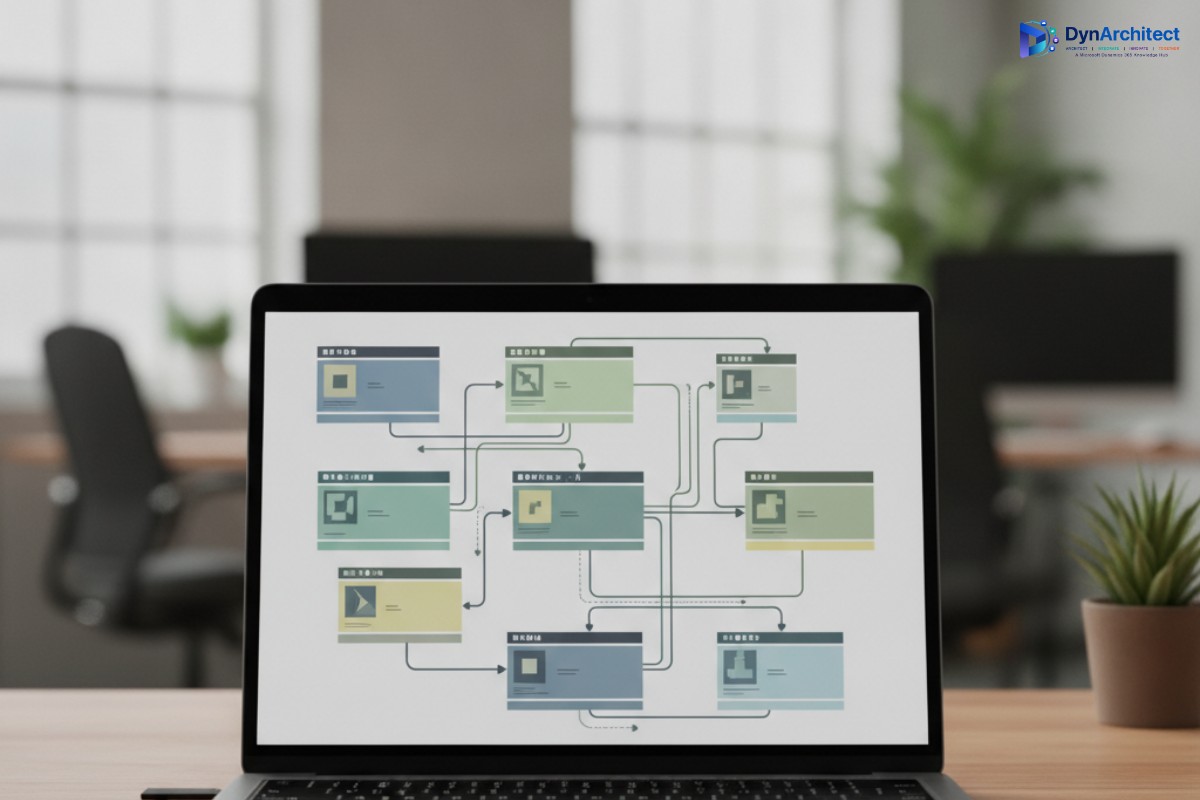
The decision doesn’t stop at the table level
Getting the table category right is only the first layer of the structure question. Once you’ve decided a standard table is the right home for a concept, the choice columns and relationships you add to extend it are where a lot of the same discipline quietly gets abandoned. A choice column added to the standard Case table to capture an industry-specific status, for instance, is a reasonable extension. A parallel custom table built solely to hold a lookup list of those same statuses, connected back to Case through a one-to-many relationship that duplicates logic the choice column could have handled directly, is the same mistake as the duplicate-table problem, just one level down. Relationships matter here too: a standard table’s existing relationships to Account, Contact, or Activity records represent years of Microsoft’s own modeling work and every prebuilt view, form, and security role built around them. Recreating an equivalent relationship structure on a new custom table means none of that inherited tooling applies, and every new integration has to be taught the relationship from scratch. The pattern to watch for is simple: if you’re building a new table or relationship whose only real justification is that it mirrors something a standard table’s fields or connections already do, that’s usually a sign to extend the standard structure instead of building a parallel one next to it.
Where this decision shows up again at the platform level
Microsoft’s own tooling has started reflecting how much this decision matters beyond a single app. Guided table selection for Dataverse-to-Fabric sync, which reached general availability in March 2026, now lets administrators choose which tables get synced to Microsoft Fabric before any data movement happens, rather than syncing everything by default and cleaning up storage and compute costs after the fact. That capability is far more useful, and far cheaper to operate, when the tables being selected are standard, CDM-aligned entities that Fabric, Copilot, and cross-application processes already expect, instead of a scattered set of custom tables that each need to be individually understood, mapped, and maintained by whoever inherits the environment next.
The same logic applies to Copilot Studio agents built against Dataverse. An agent configured to reason over the standard Account or Case table benefits from every piece of existing metadata, relationship, and security context Microsoft has already built around that entity. An agent pointed at a custom table invented to avoid learning the standard schema starts from nothing, and every future integration against that data has to rediscover the same ground.
A practical check before the next table gets created
Before greenlighting a new custom table, it’s worth spending twenty minutes on three checks that would have caught the industrial services example above. First, search the environment for a standard table whose name or description plausibly matches the concept, since standard tables installed by add-on solutions often don’t surface in a maker’s mental model of “what’s already in this environment” the way tables they built themselves do. Second, if a standard table exists but seems incomplete, check whether it’s marked customizable before assuming it needs to be replaced rather than extended, since most standard tables accept new columns, choices, and relationships without any loss of the functionality that came with them. Third, before replicating any externally-owned data into Dataverse on a schedule, ask explicitly whether the business can tolerate a sync delay, because if the answer is no, a virtual table is very likely the more honest architectural choice, even though it takes more setup effort than a straightforward custom table import.
None of this is exciting work, and it rarely shows up as a line item any client asks for by name. But schema decisions are the one architectural choice in a Dataverse implementation that nobody revisits for years, which is exactly why they deserve more scrutiny at the start than they usually get. Routeget Technologies typically includes a standard-table gap analysis as one of the first steps in any new Dataverse engagement, precisely because the cost of fixing a schema mistake grows every quarter it goes unnoticed, while the cost of catching it early is measured in a single afternoon of research.
#DataverseArchitecture #CommonDataModel #PowerPlatformGovernance #DataverseSchema #FabricLink #EnterpriseDataStrategy